🍒 Cherry-Picked Nx v19 Updates
Exploring My Selected Features from Nx Releases

Who am I? Whether it's as a Software Engineer, Tech Lead, or Architect, if it involves software development, I'm in! My journey began in the realm of Java development, but I fully transitioned into the universe of JavaScript/TypeScript and its exciting toolset. I support companies through their software development cycle challenges by utilizing Nx monorepos, micro frontends, robust testing strategies, and a touch of Extreme Programming philosophy. Every day for me is like waiting for the next episode of my favorite series—filled with learning, sharing, and growing together. Indeed, I'm as passionate about coaching and sharing knowledge as I am about coding. I am the father of two incredible boys, and I am endlessly grateful to my wife for supporting my passion every day.

[🌊 Nx Core]
Metadata Property in Project Configuration
Already covered in my previous blog post on v18.3, Nx introduced a new metadata property in the project.json:
{
  "name": "my-java-project",
  "metadata": {
    "technologies": ["java17"],
    "ciRunner": "ubuntu-20.04-m6a.large",
    "owners": ["backend-team"]
  },
  ...
}
In Nx v19, you’ll be able to generate these metadata directly from your plugins:
export const createMetadata: CreateMetadata = (graph) => {
  const metadata: ProjectsMetadata = {};
  metadata['my-java-project'] = {
    metadata: {
      technologies: ['java17'],
      ciRunner: 'ubuntu-20.04-m6a.large',
      owners: ['backend-team']
    }
  }
  return metadata;
}
This opens many possibilities for project customization like listing technologies or the runner you want to use on your CI.
It also helps define a project type described in my article 👥 Reproducible Nx Workspace with HugeNx’s Conventions.
Change imports for the Webpack plugin
It is always a better idea not to expose all utilities in the same index.ts especially when they are not related. It has an impact on the config loading for example.
Here is a good decision from Nx related to Webpack configurations:
Before
const { NxAppWebpackPlugin } = require('@nx/webpack');
const { NxReactWebpackPlugin } = require('@nx/react');
After
const { NxAppWebpackPlugin } = require('@nx/webpack/app-plugin');
const { NxReactWebpackPlugin } = require('@nx/react/webpack-plugin');
Global forwardAllArgs for nx:run-commands
Before, when you had multiple commands in your nx:run-commands executor, you had to specify for each command if you wanted or not to forward arguments:
    "configure-branch-environment": {
      "executor": "nx:run-commands",
      "options": {
        "commands": [
          {
            "command": "echo \"BRANCH=$(git branch --show-current)\" > .local.env",
             "forwardAllArgs": false
          },
          {
            "command": "echo \"COMMIT_SHA=$(git rev-parse HEAD)\" >> .local.env",
             "forwardAllArgs": false
          },
          {
            "command": "ls",
             "forwardAllArgs": false
          },
          {
            "command": "cat .local.env",
             "forwardAllArgs": false
          }
        ],
        "cwd": "{projectRoot}"
      }
    },
Now you can specify it globally:
    "configure-branch-environment": {
      "executor": "nx:run-commands",
      "options": {
        "commands": [
          "echo \"BRANCH=$(git branch --show-current)\" > .local.env",
          "echo \"COMMIT_SHA=$(git rev-parse HEAD)\" >> .local.env",
          "ls",
          "cat .local.env"
        ],
        "cwd": "{projectRoot}",
        "forwardAllArgs": false
      },
    },
[💎 Project Crystal]
Add generators to convert projects to inferred targets
https://nx.dev/nx-api/cypress/generators/convert-to-inferred
https://nx.dev/nx-api/playwright/generators/convert-to-inferred
[💫 Upgrades]

Support React 18.3
[🌐 nx.dev]
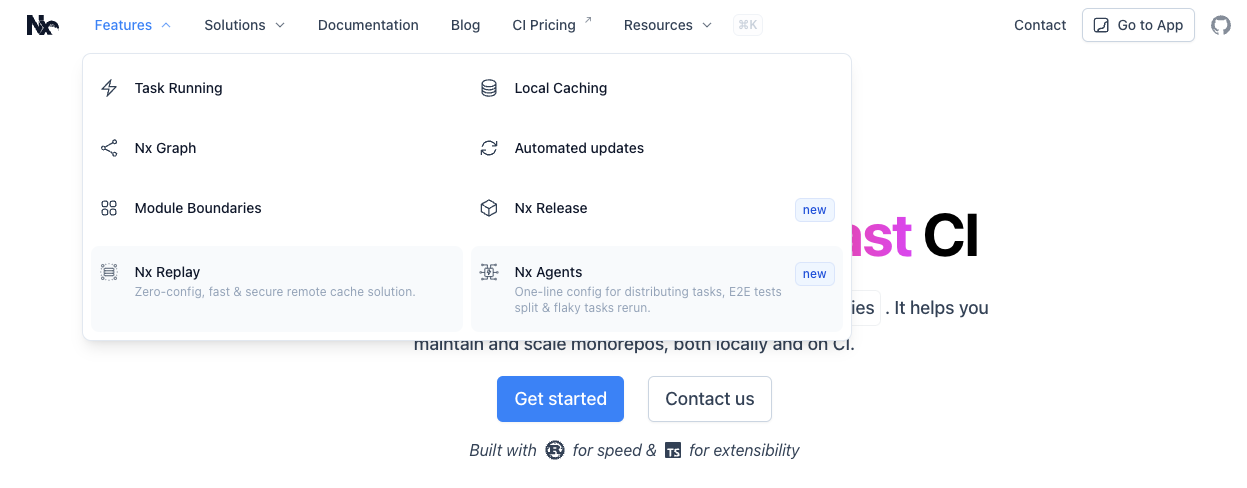
Main Navigation Menu
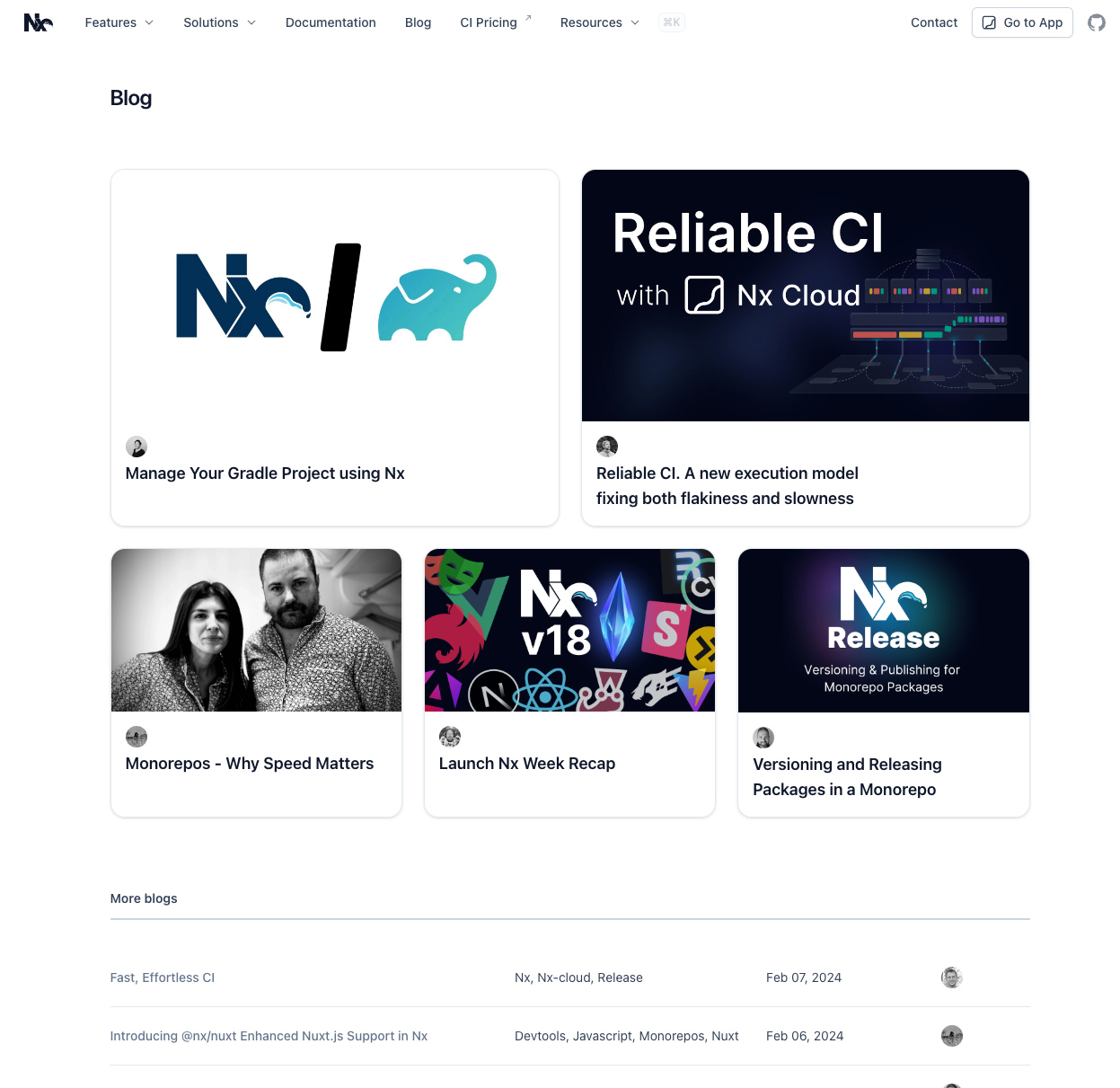
New Blog Page
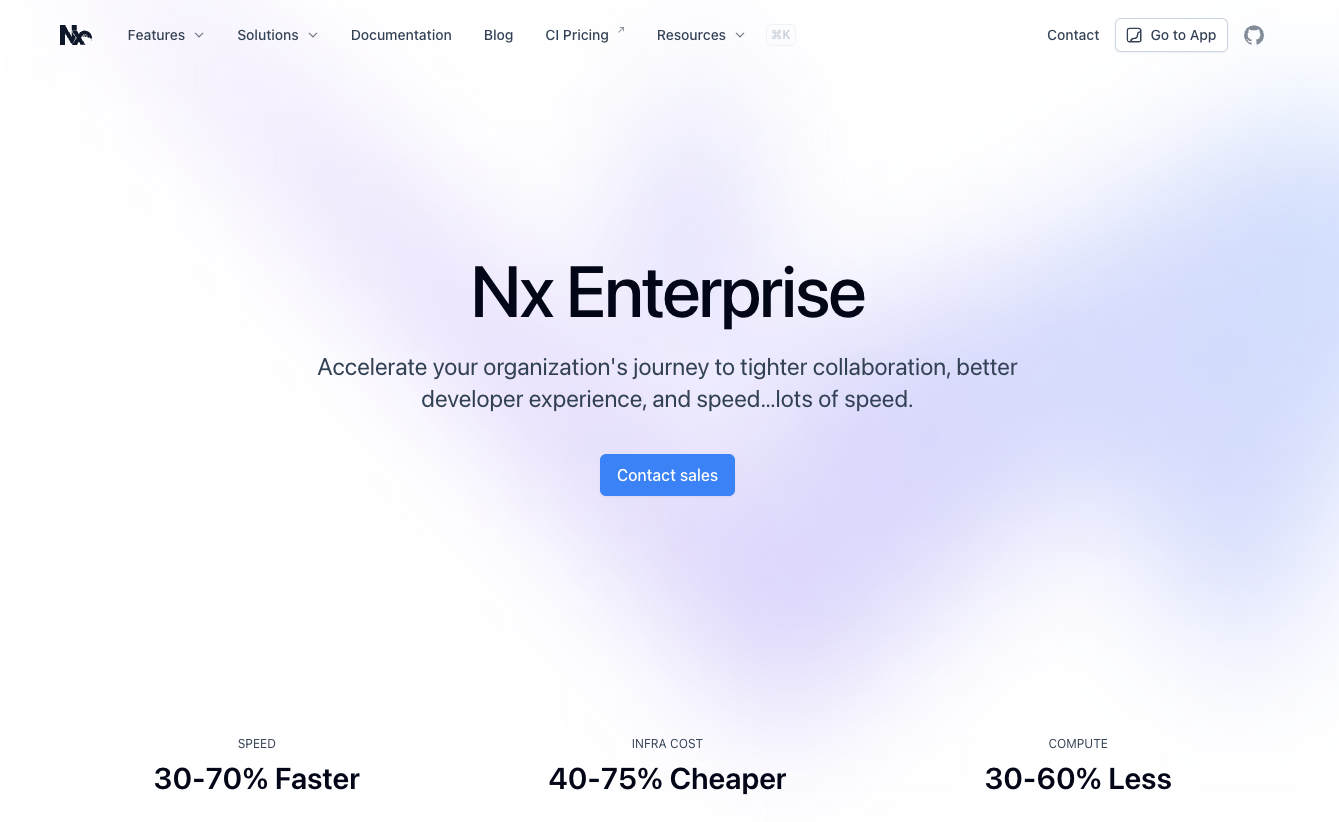
New Enterprise Page
[☁️ Nx Cloud]
DTE v2
https://nx.dev/ci/reference/release-notes#dte-algorithm-v2-experimental-flag
NX_CLOUD_DTE_V2: 'true'


